-
Proairetos
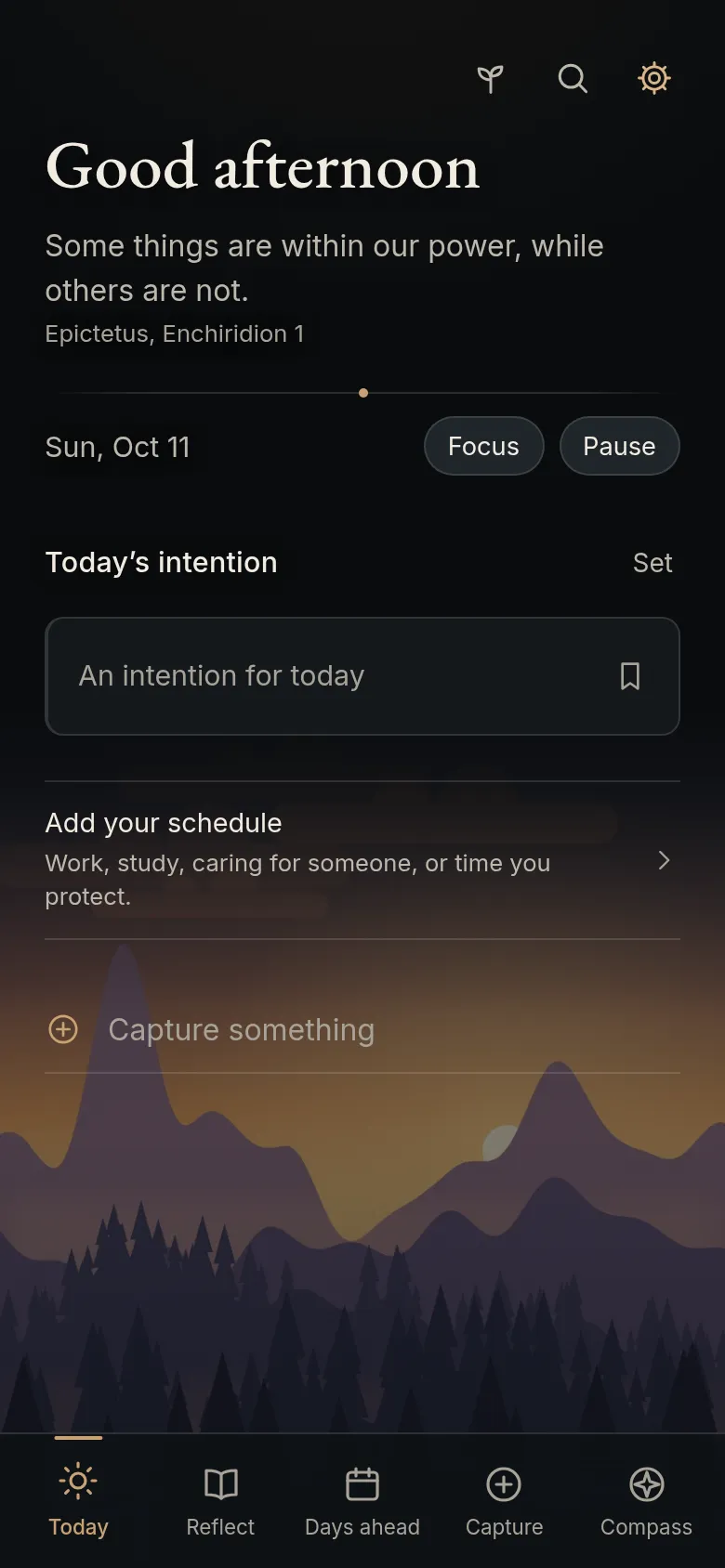
To-dos, your calendar and a journal, on any schedule.
-
Askesis
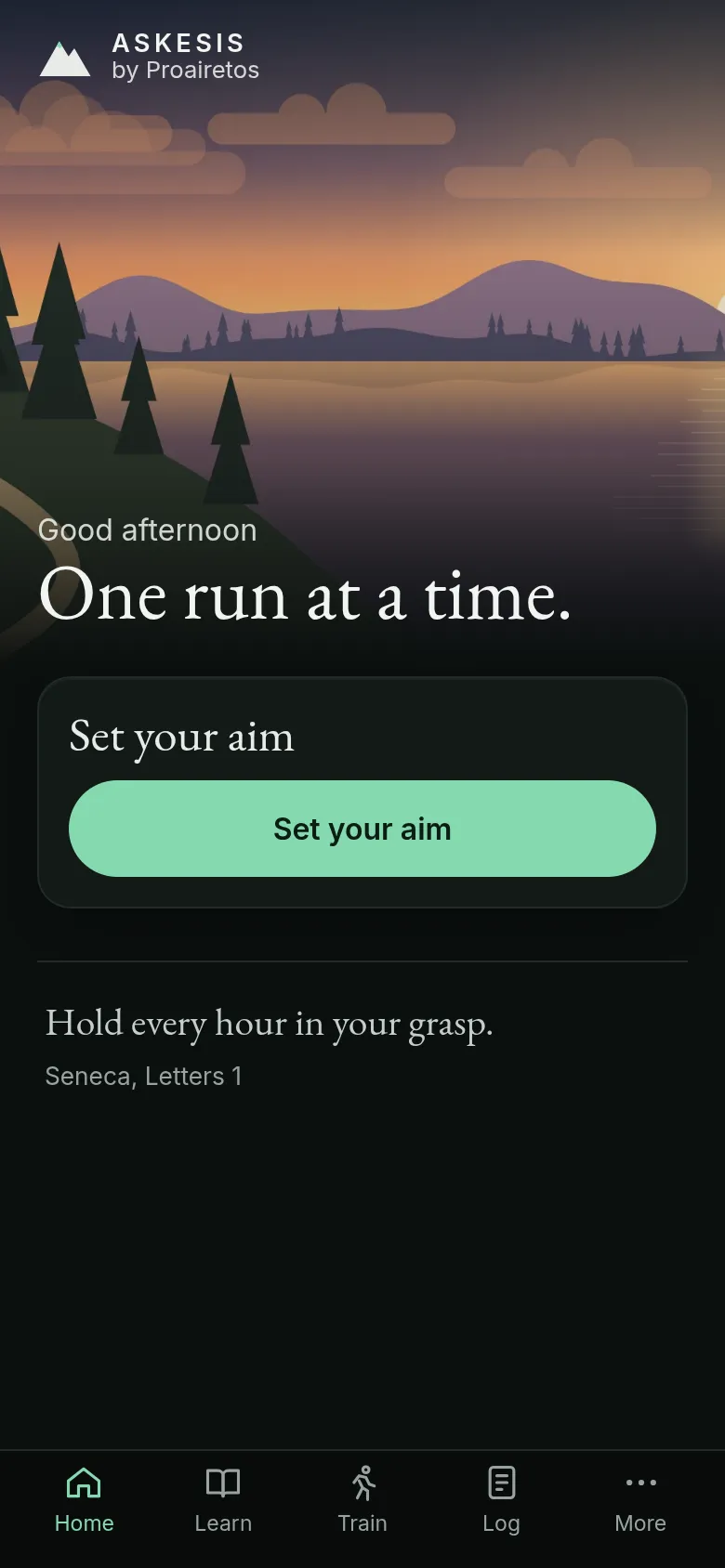
A running plan based on how much you can run now, from a first walk-run to a marathon.
-
Soma
Save recipes from anywhere, plan the week and shop from a list sorted by aisle.

-
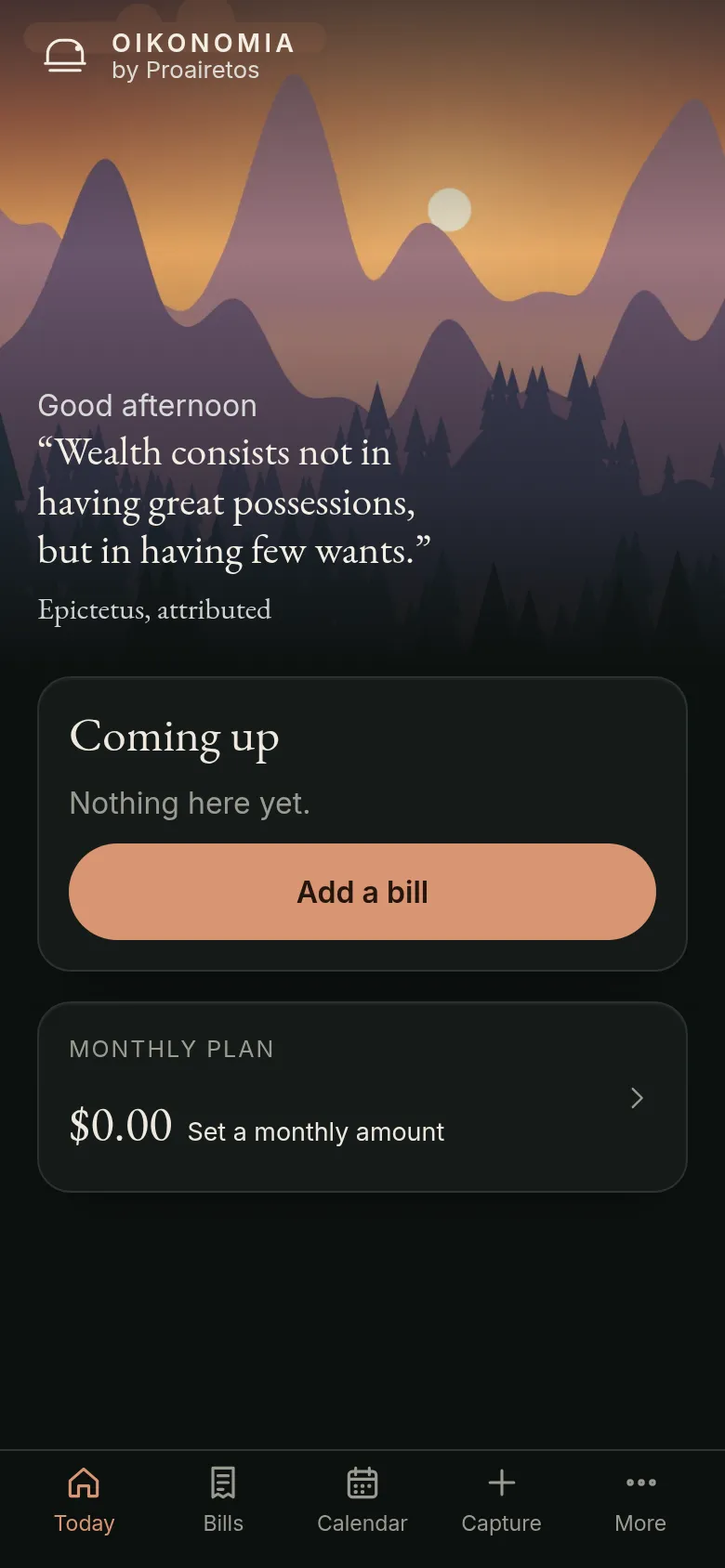
Oikonomia
Track every bill and subscription, with a reminder before each one is due.
-

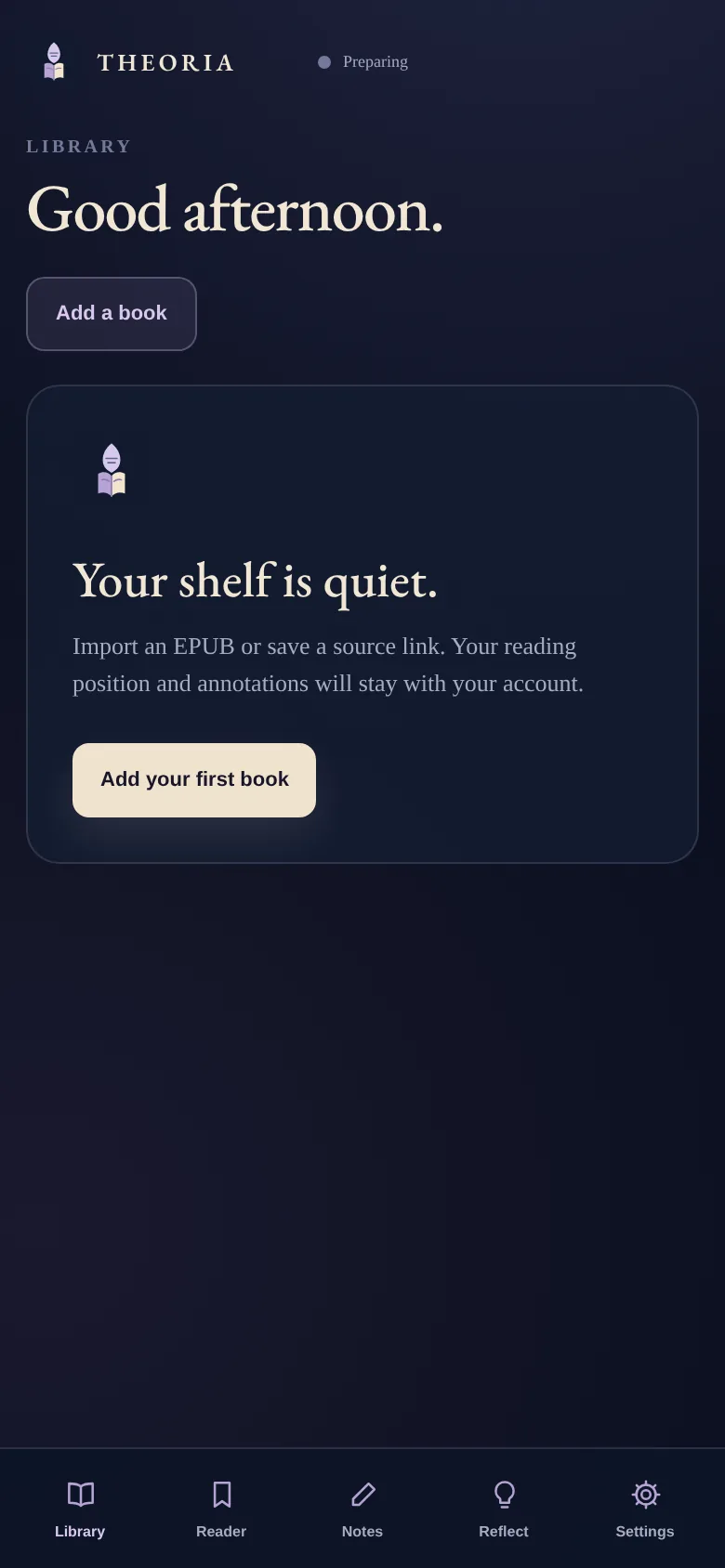
Theoria
Read books and PDFs, and keep your highlights and notes with them.
-
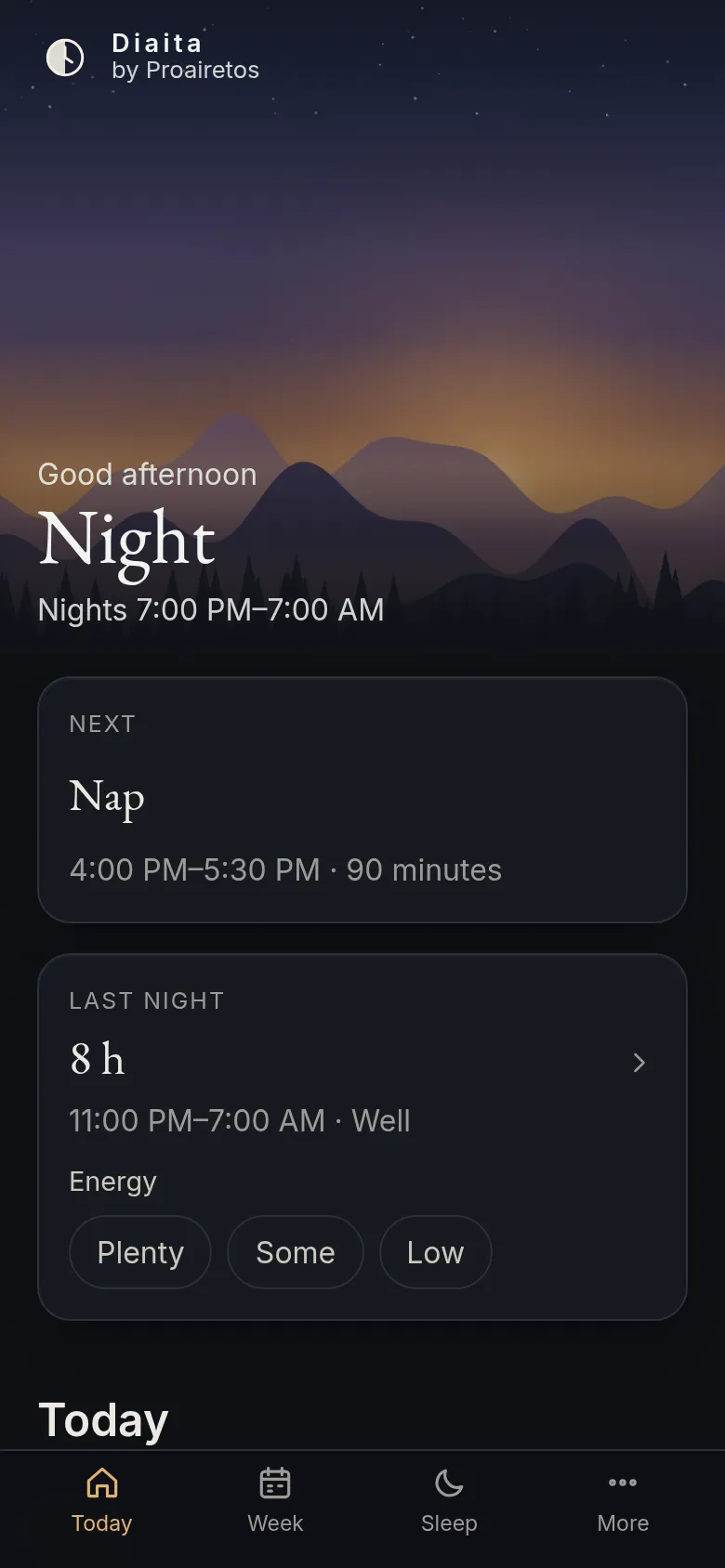
Diaita
Plan sleep, naps and caffeine around your schedule, including night shifts.
-
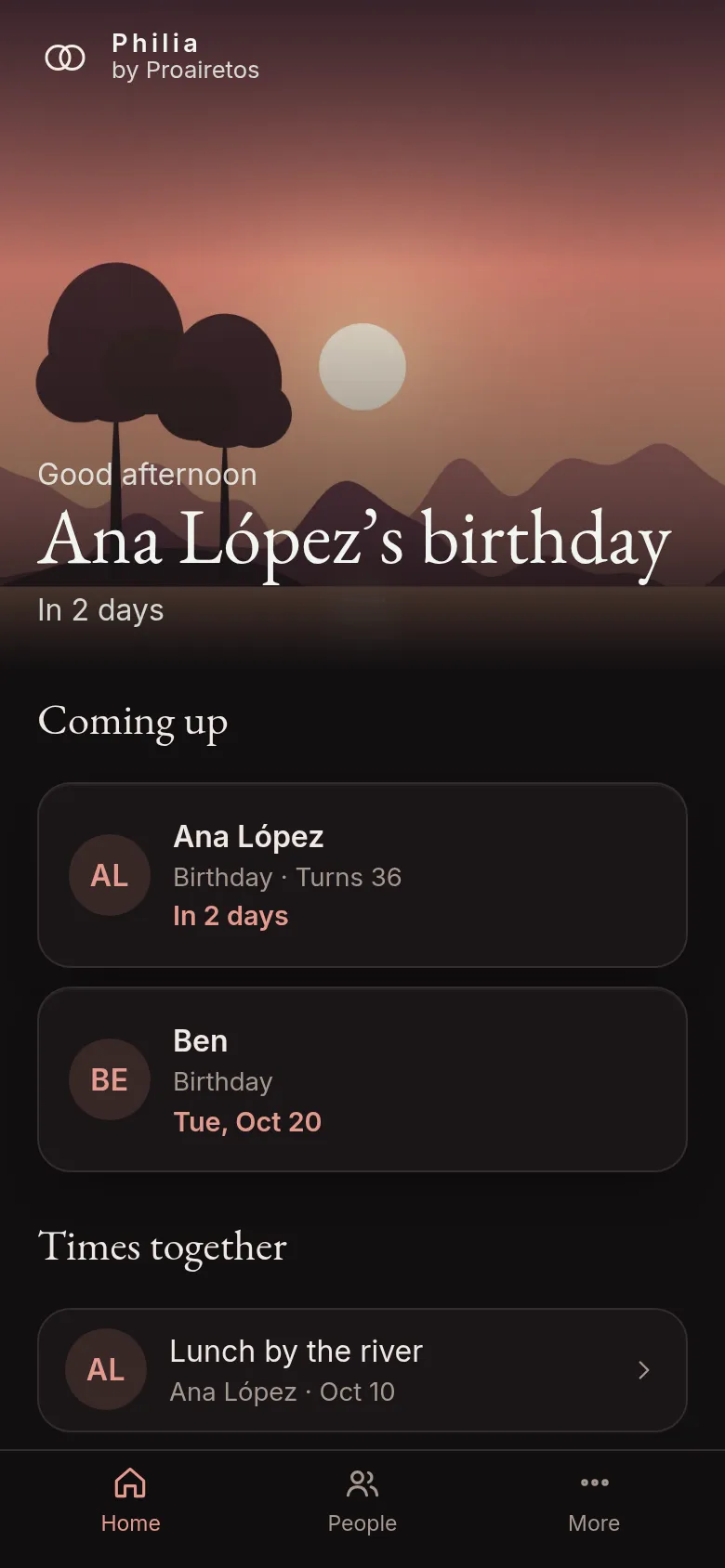
Philia
Birthdays, gift ideas and when you last spoke to the people you care about.
-
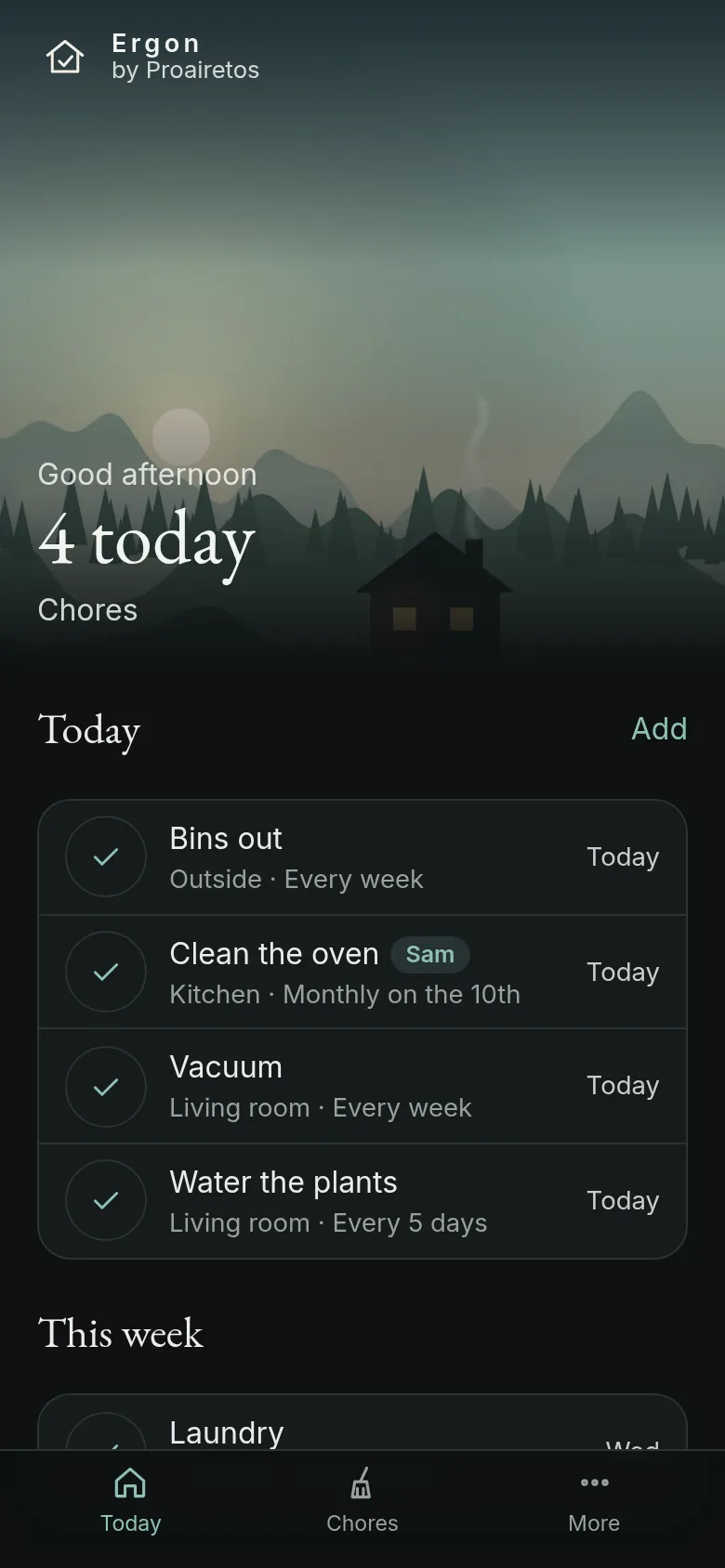
Ergon
Chores that repeat on a schedule, shared with everyone you live with.
-

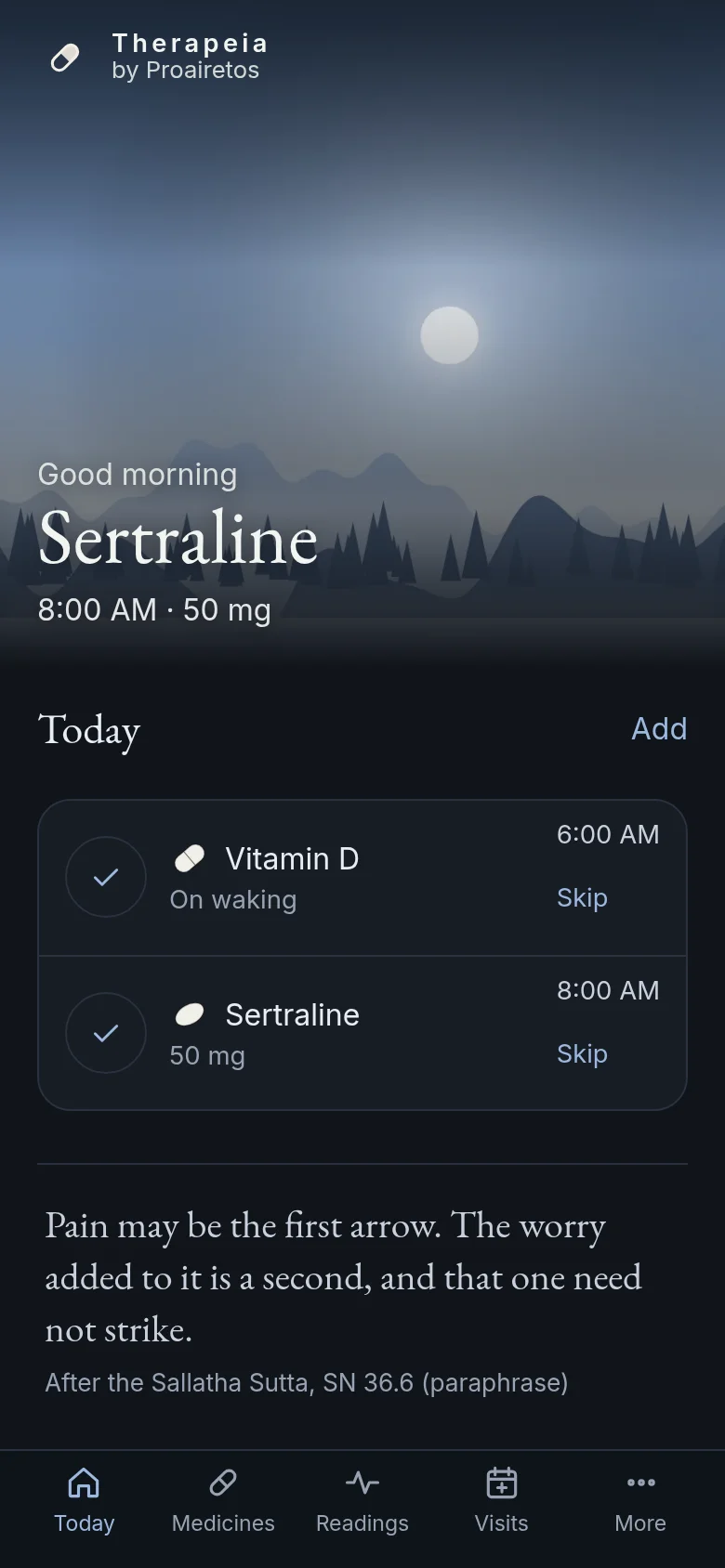
Therapeia
Medicine reminders, refills and appointments, with your questions for the doctor.
-
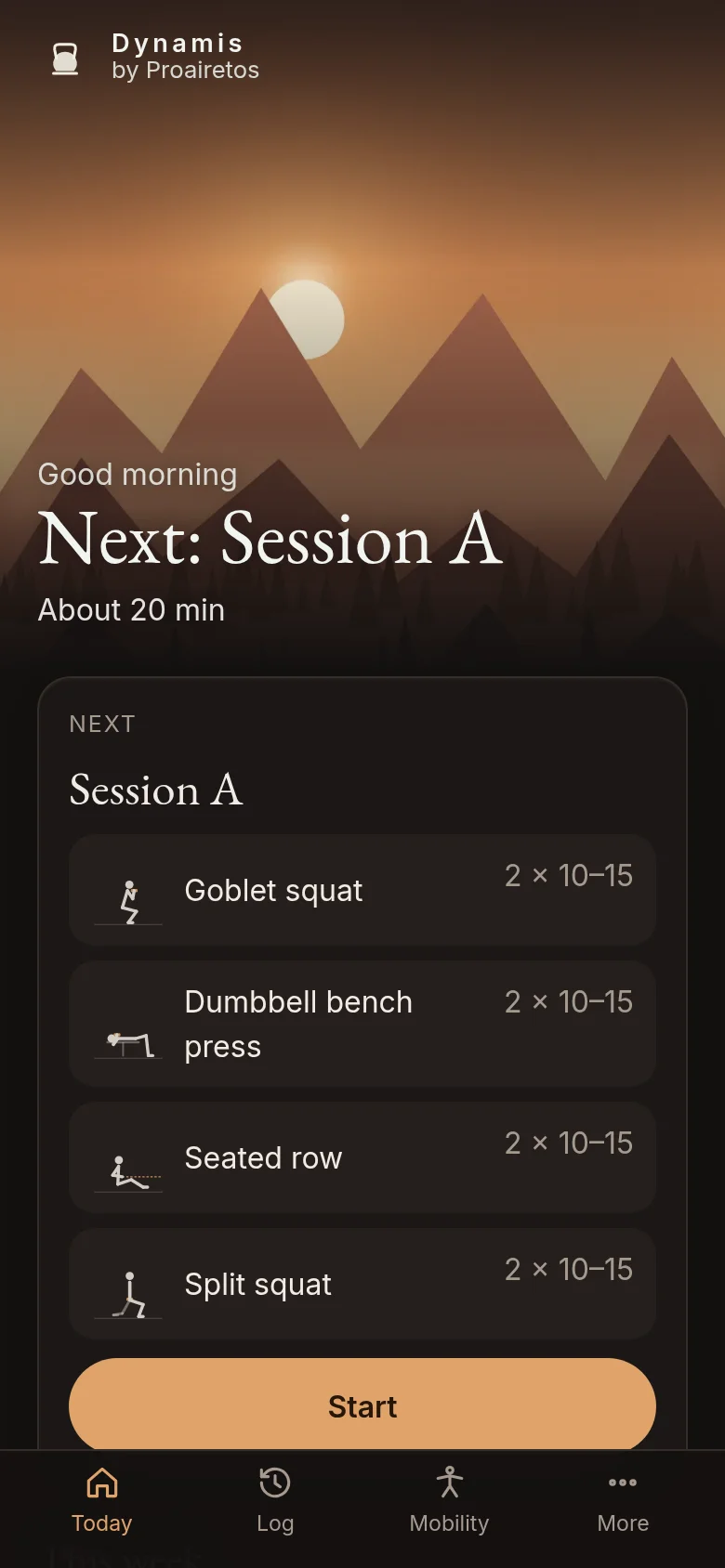
Dynamis
Strength workouts based on research, with every set logged.
-
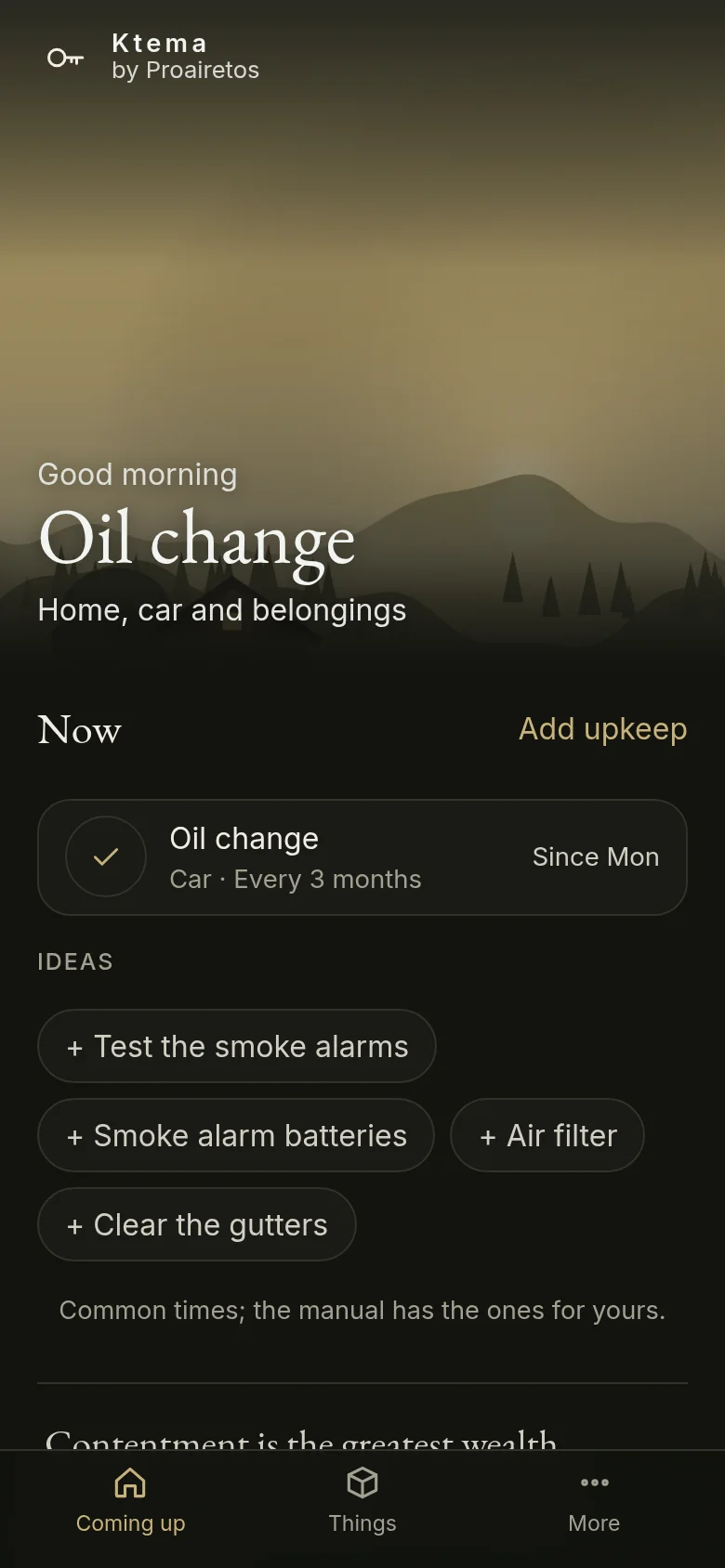
Ktema
Warranties, manuals and upkeep reminders for your home and car.
-
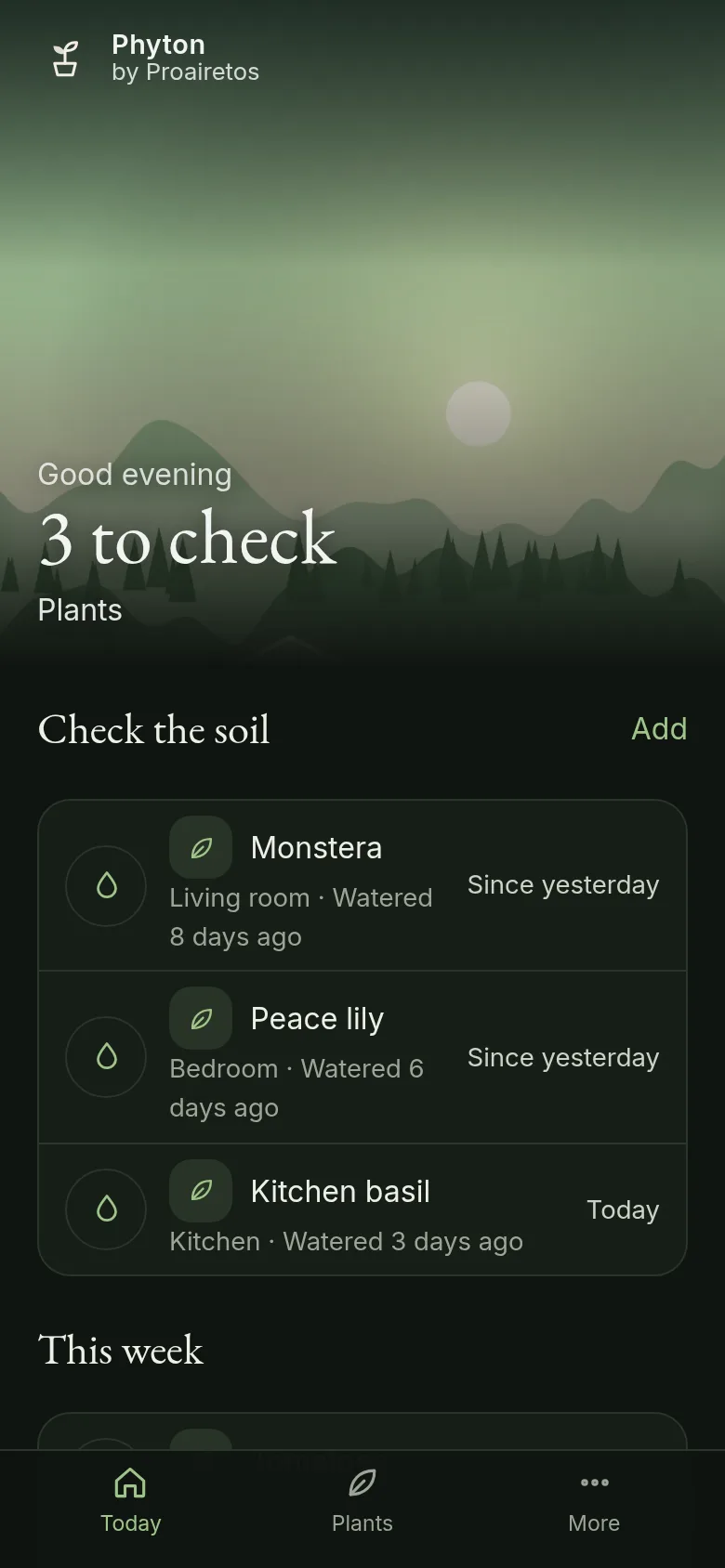
Phyton
Reminders to check each plant, and care details for about 170 plants.
-

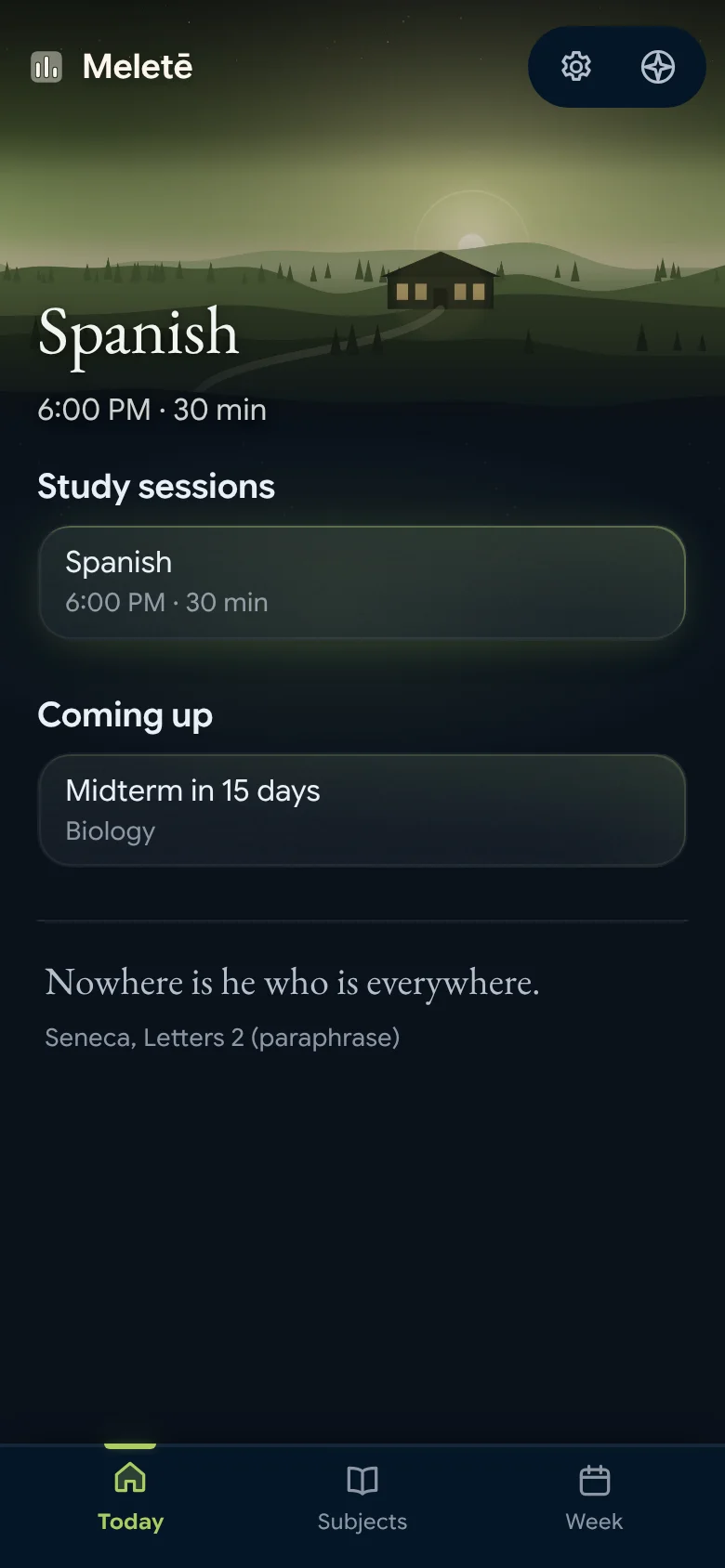
Meletē
Subjects with exam and due dates, and study sessions set in the free time of your week.
-

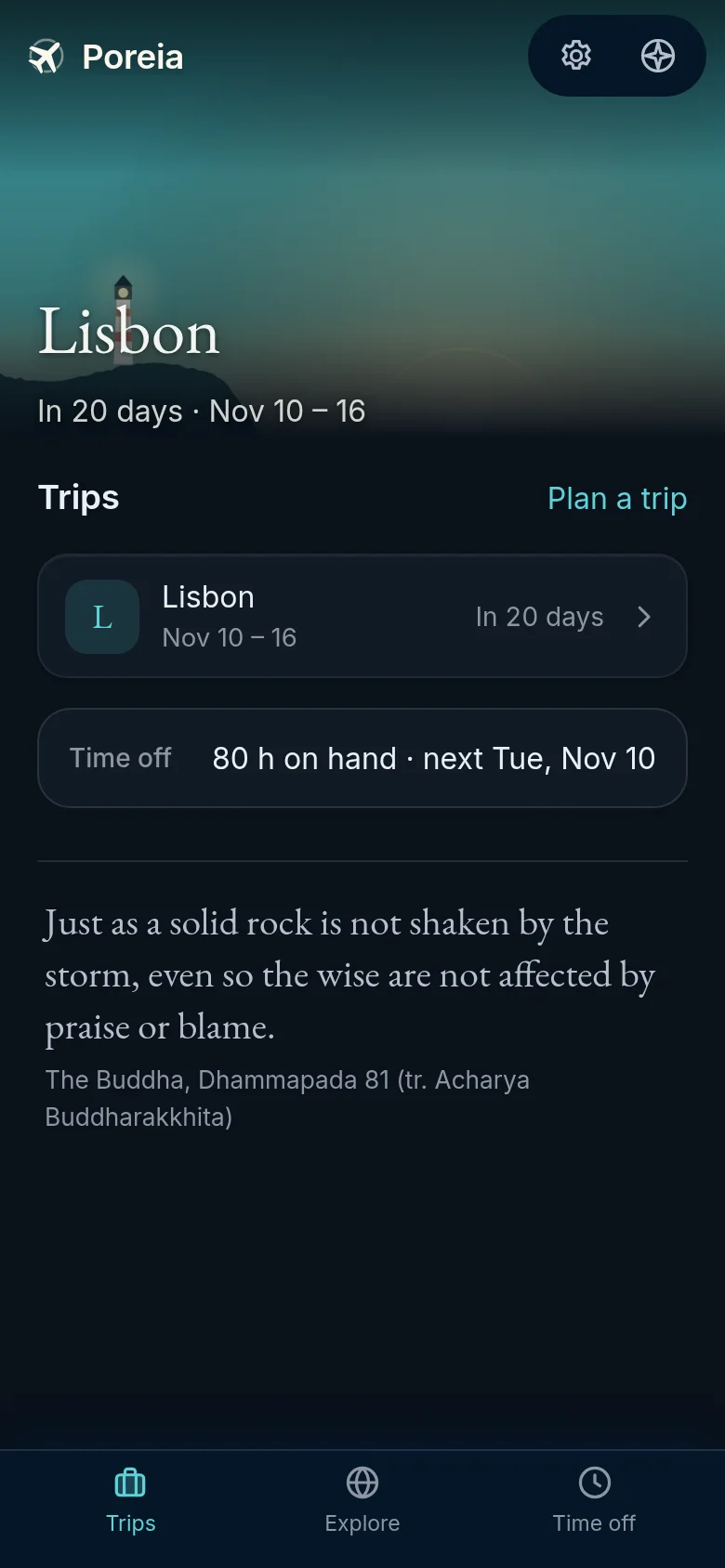
Poreia
Plan a trip from the first idea to the trip home: bookings, daily plans, packing and costs.
Add Proairetos to your Home Screen
Every app you add opens from Proairetos's Apps tab, and its day shows on Today.
iPhone and iPad (Safari)
- Open proairetos.com in Safari.
- Tap the Share button, then Add to Home Screen, then Add.
- Open it from the Home Screen. Reminders work from there.
Android (Chrome)
- Open proairetos.com in Chrome.
- Tap Install when it is offered, or the menu (⋮), then Install app.
A computer (Chrome, Edge or Safari)
- Open proairetos.com.
- In Chrome or Edge, choose the install icon in the address bar. In Safari on a Mac, choose File, then Add to Dock.