The apps
-
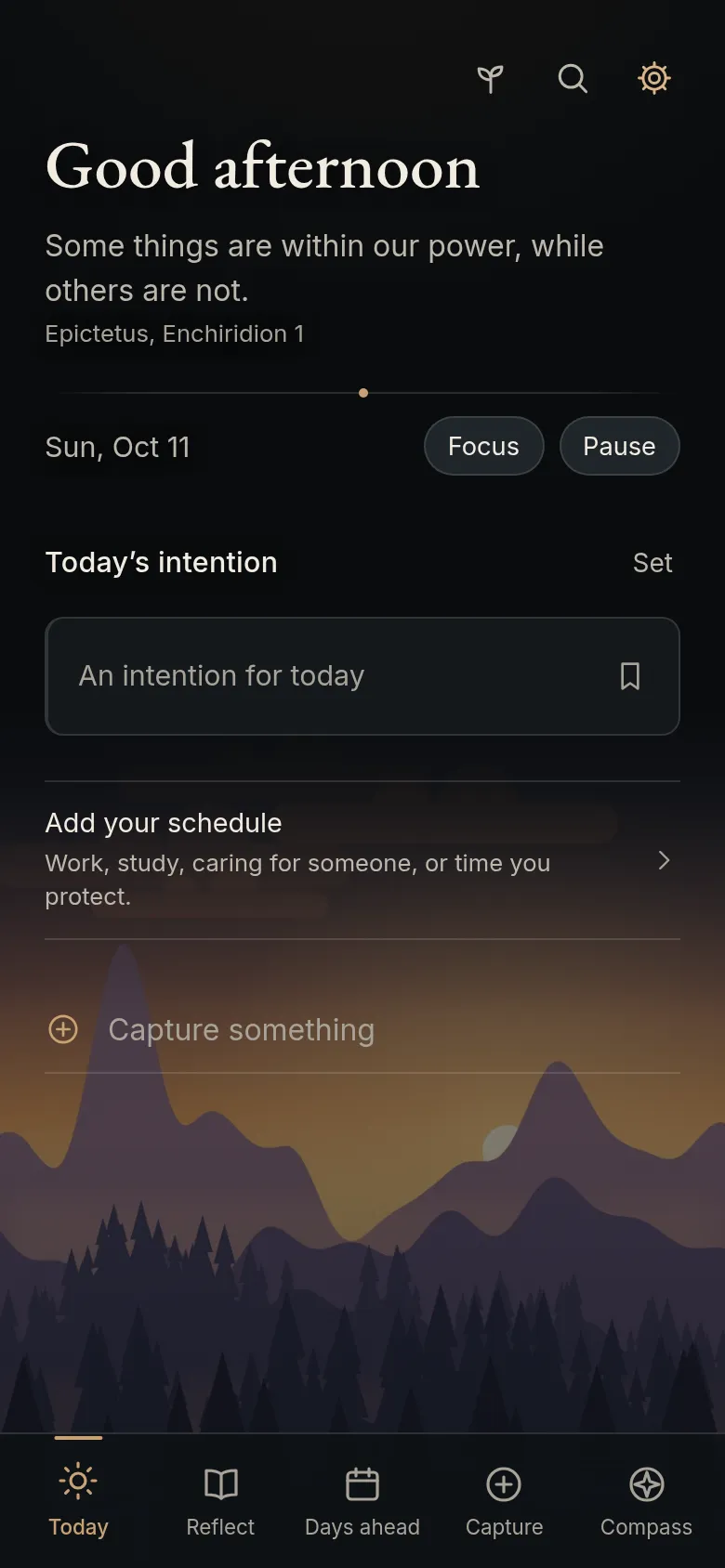
Proairetos
To-dos, your calendar and a journal. Works with any schedule, including night shifts.
-
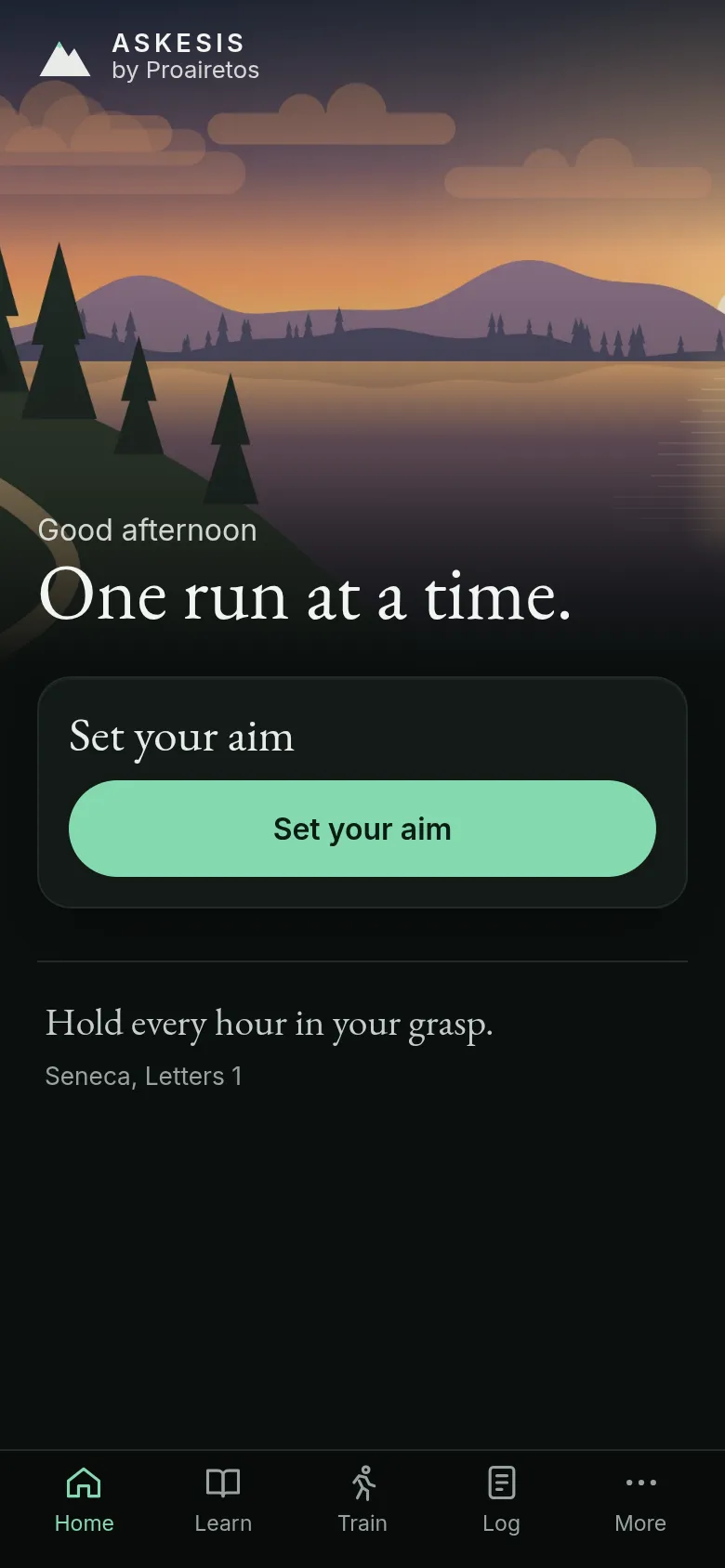
Askesis
A running plan from your first walk-run to the goal you set.
-
Soma
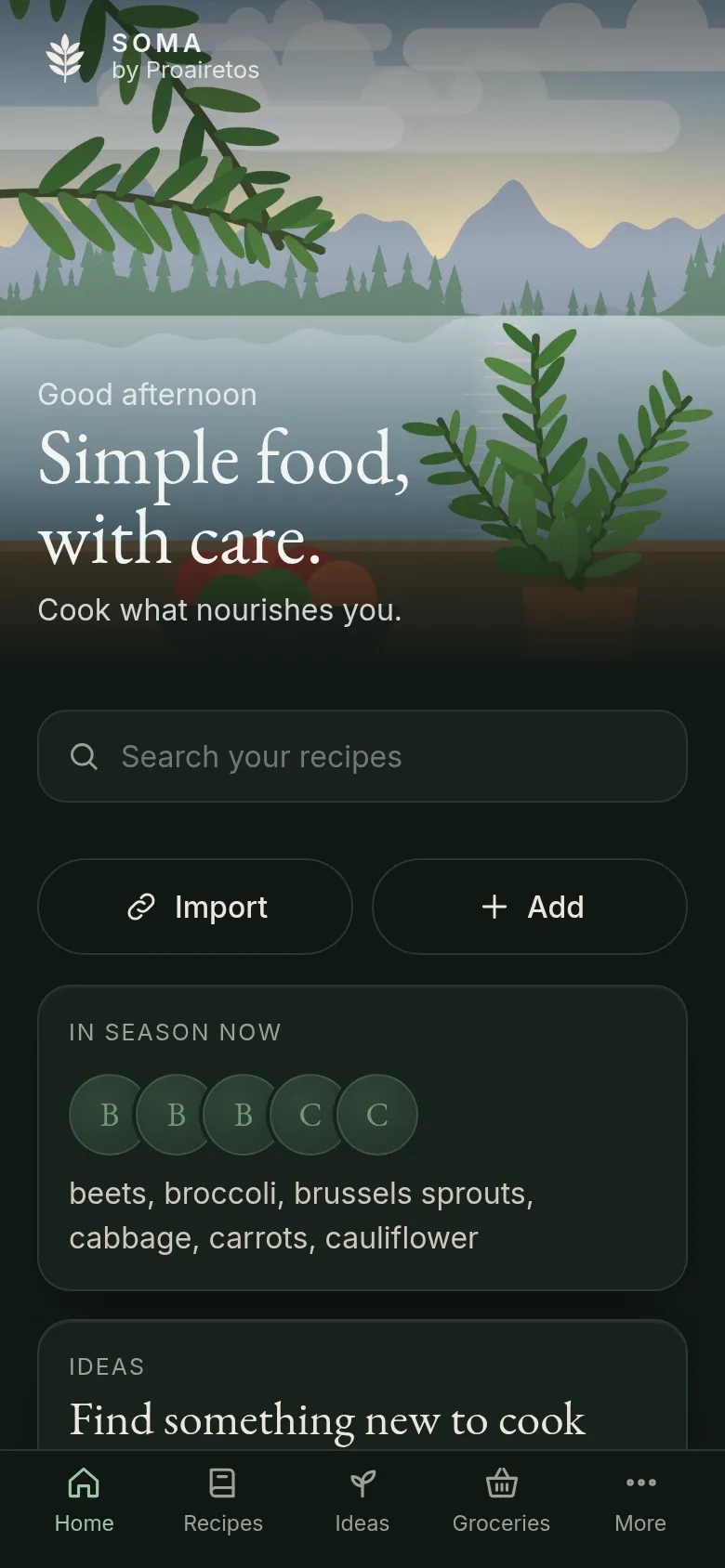
Recipes, a grocery list sorted by aisle, and each recipe’s Nutri-Score.
-
Oikonomia
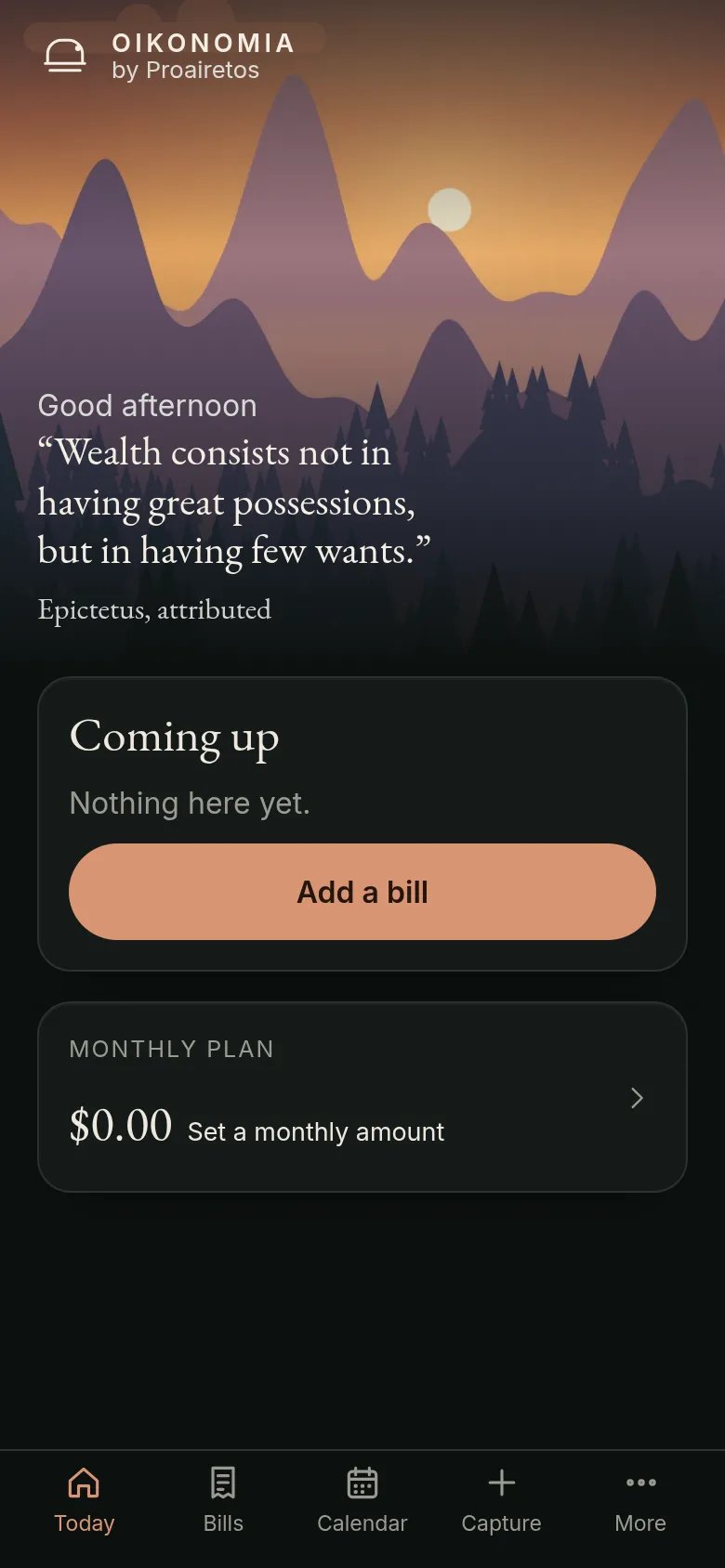
Bills and subscriptions, with reminders before they’re due.
-
Hydros
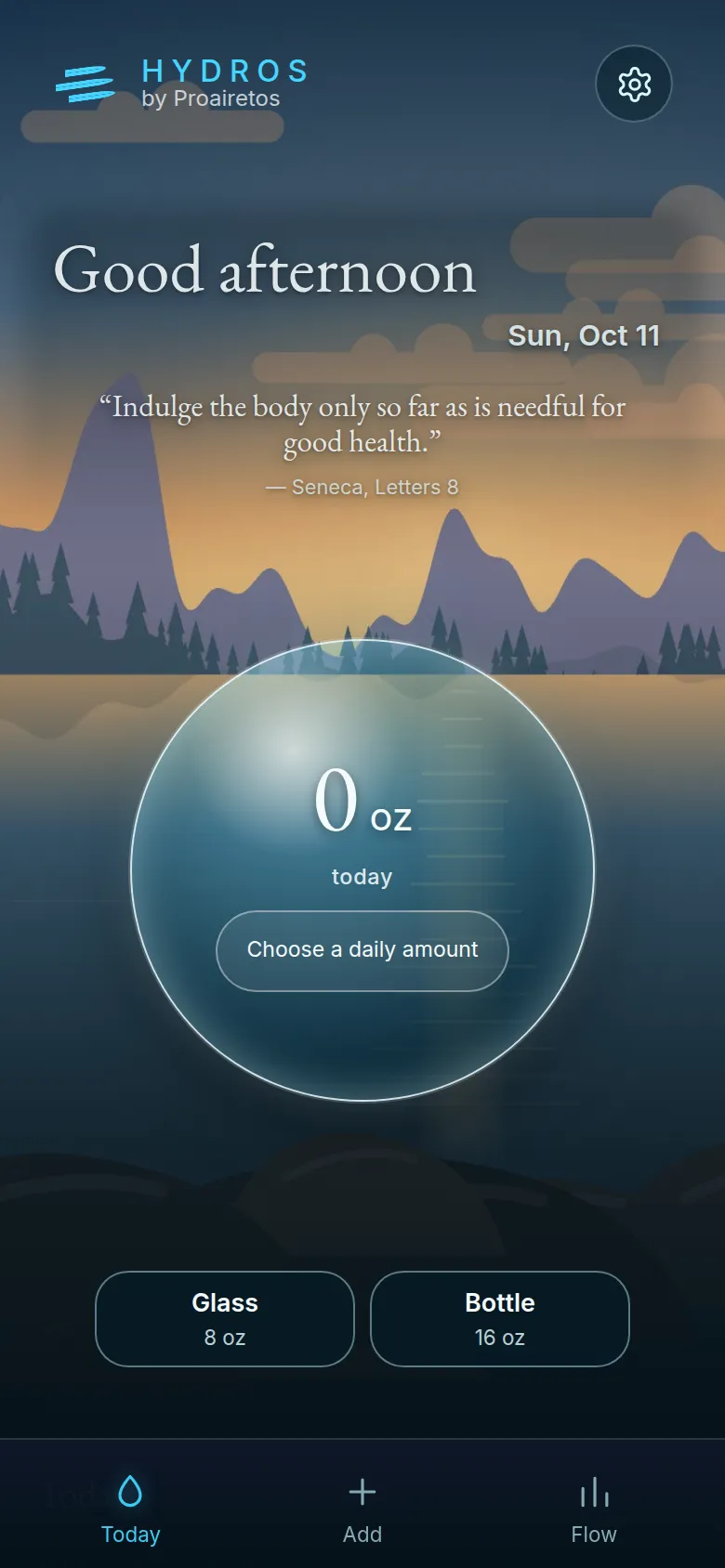
Log a glass in one tap, with reminders during your waking hours or work.
-
Praxis
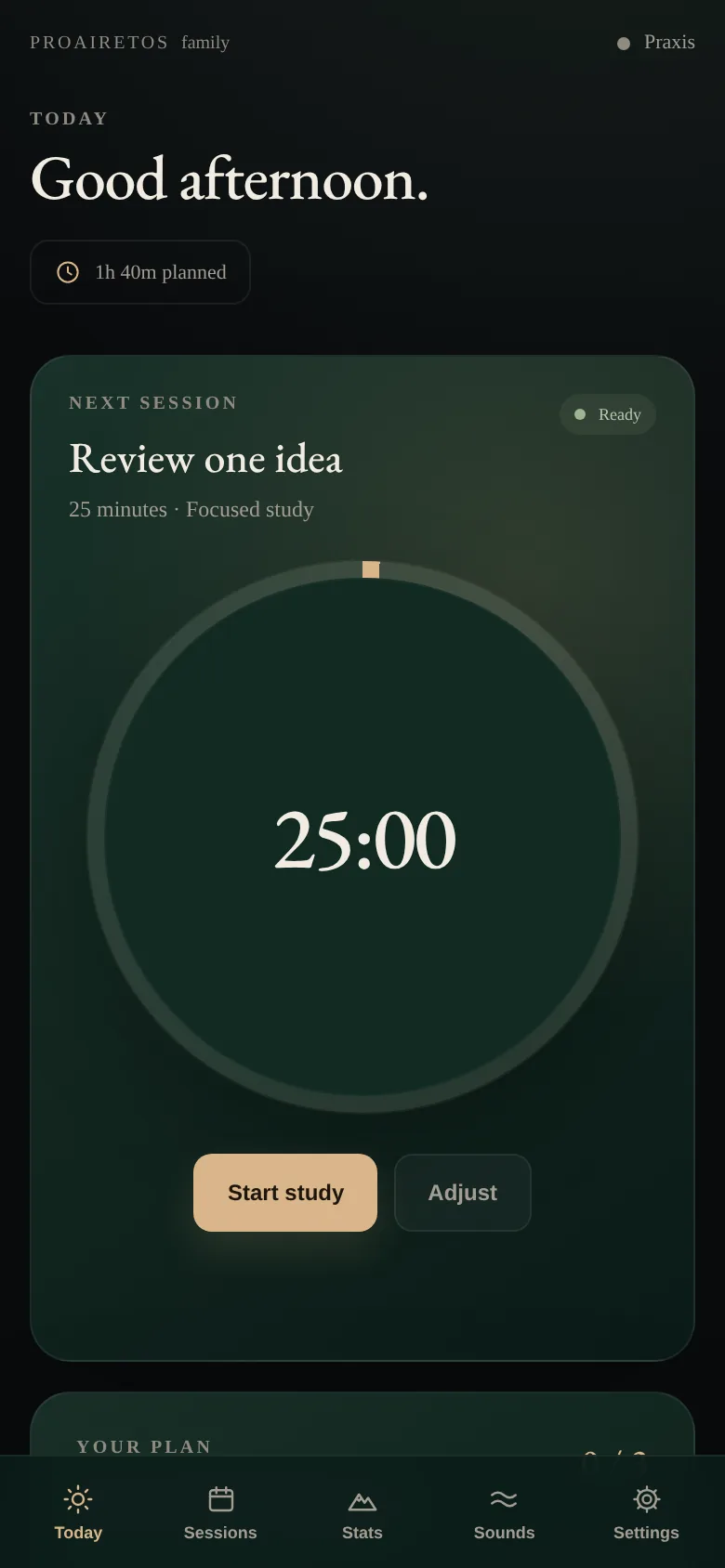
Timed study blocks, flashcards and a record of your study time.
-
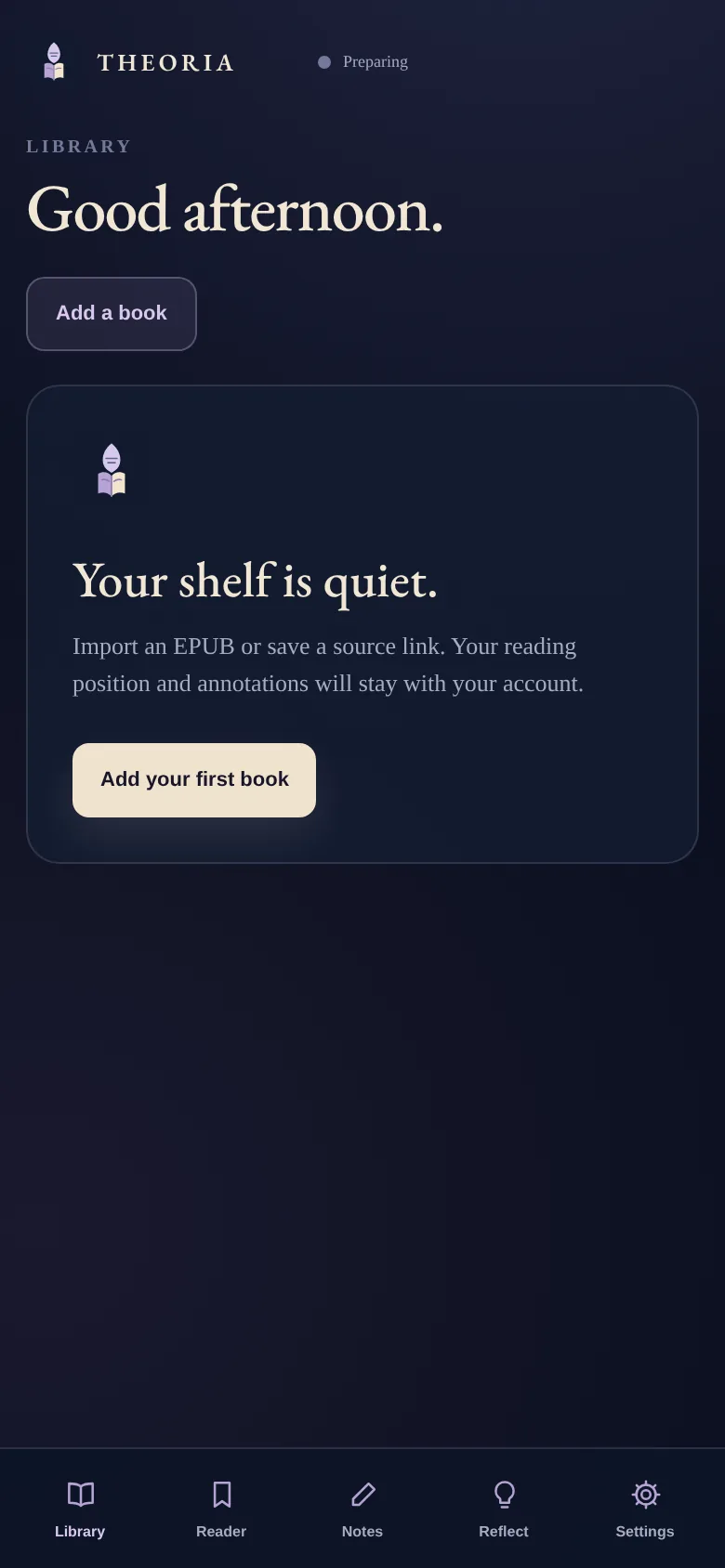
Theoria
Read your books and PDFs and keep your highlights and notes.
-
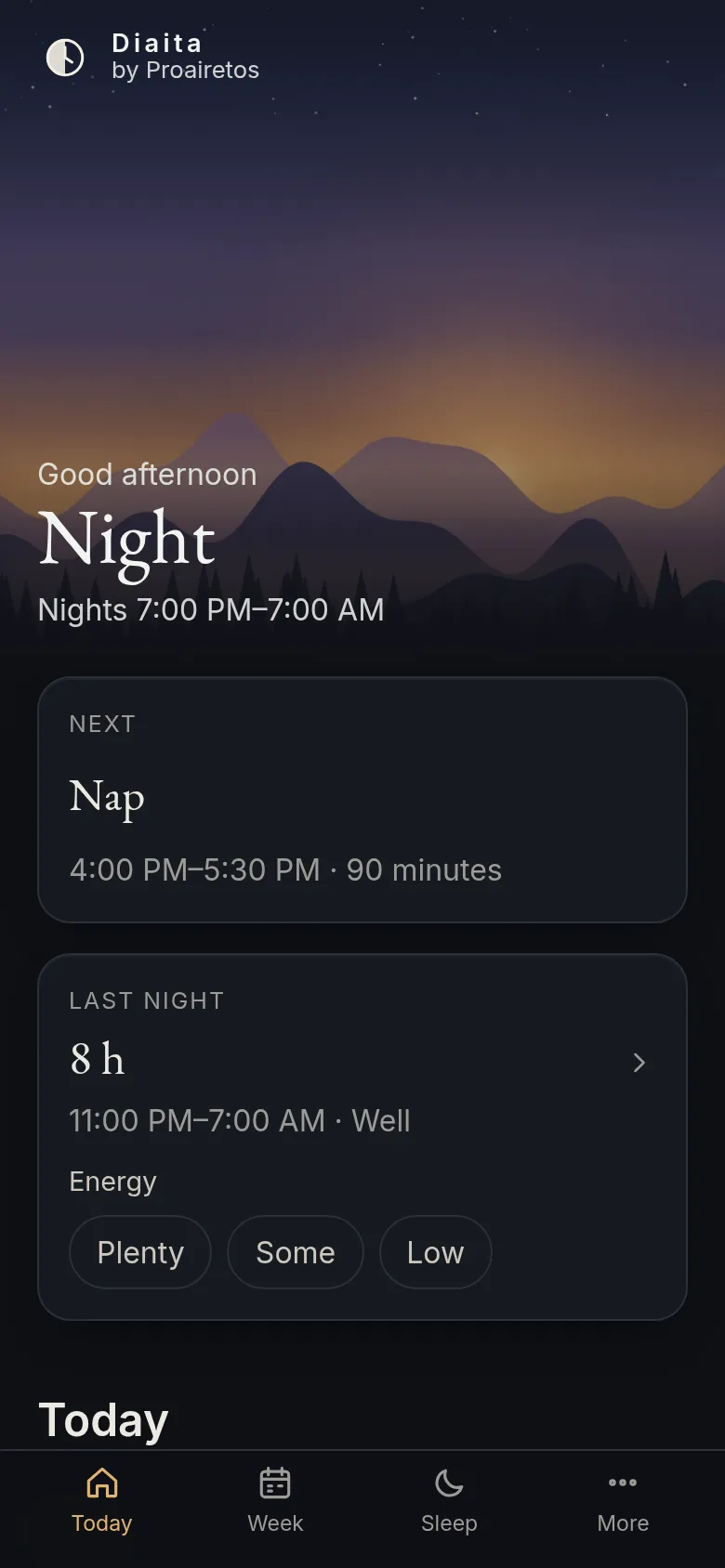
Diaita
Sleep, naps, light, caffeine and meals planned around your schedule.
-
Philia
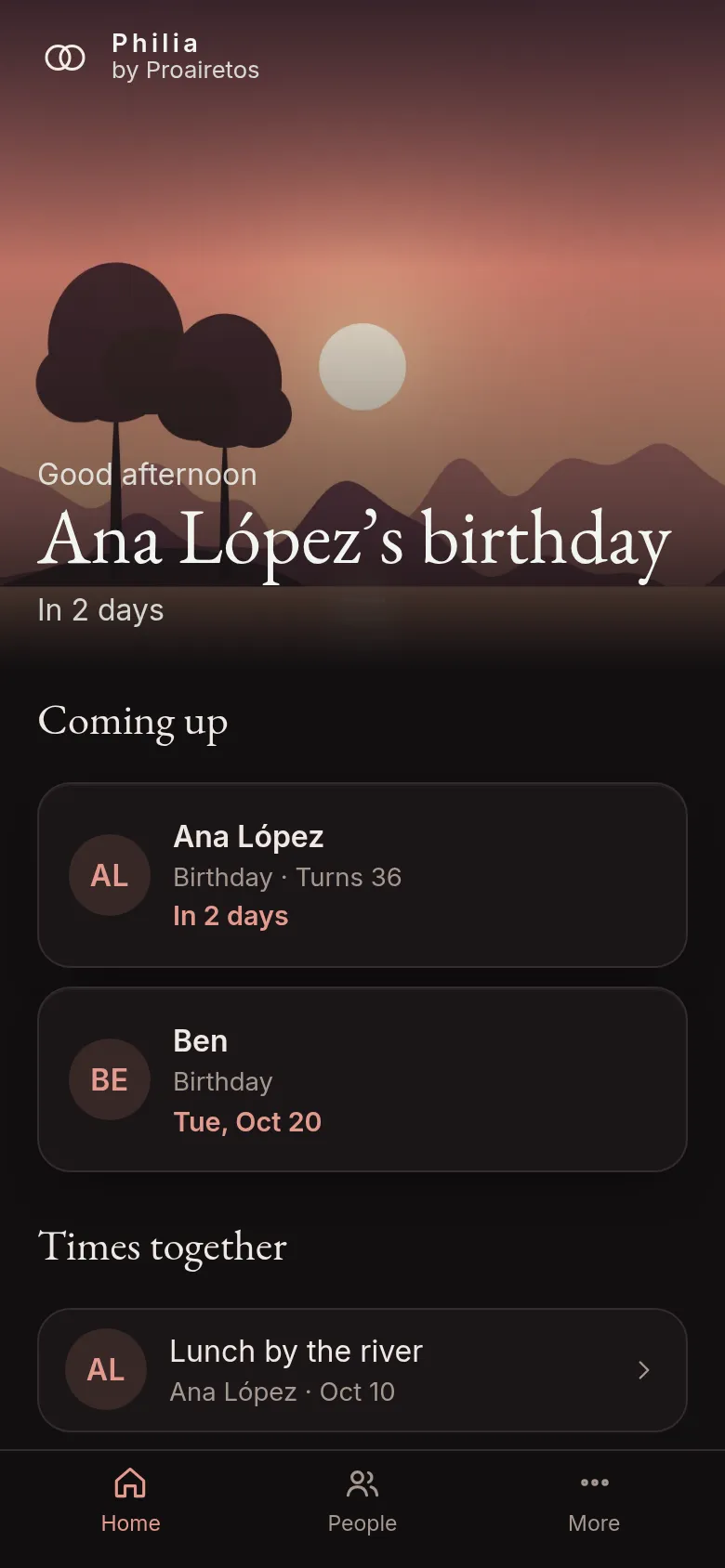
Birthdays, gift ideas and times together with the people in your life.
-
Ergon
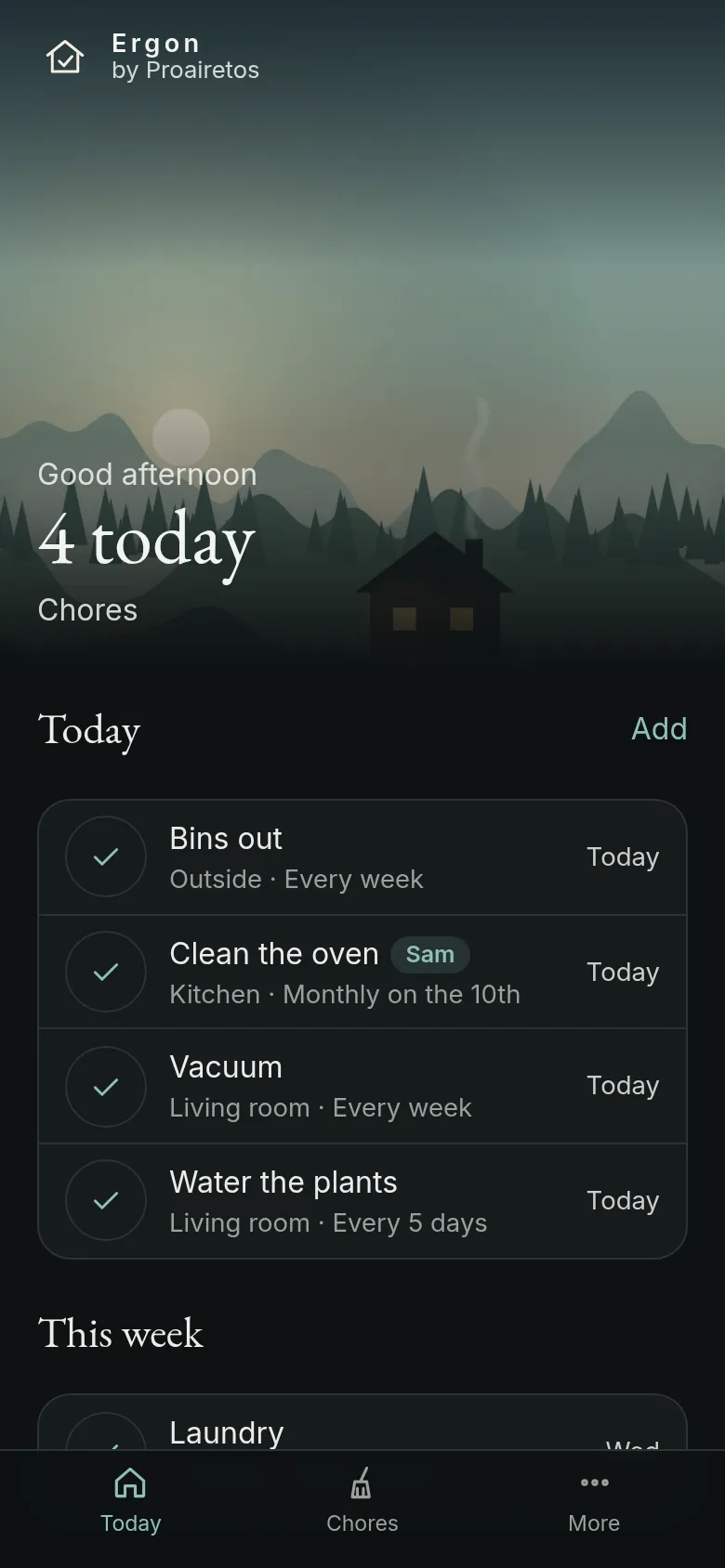
Household chores that come around, shared with the people you live with.
-
Therapeia
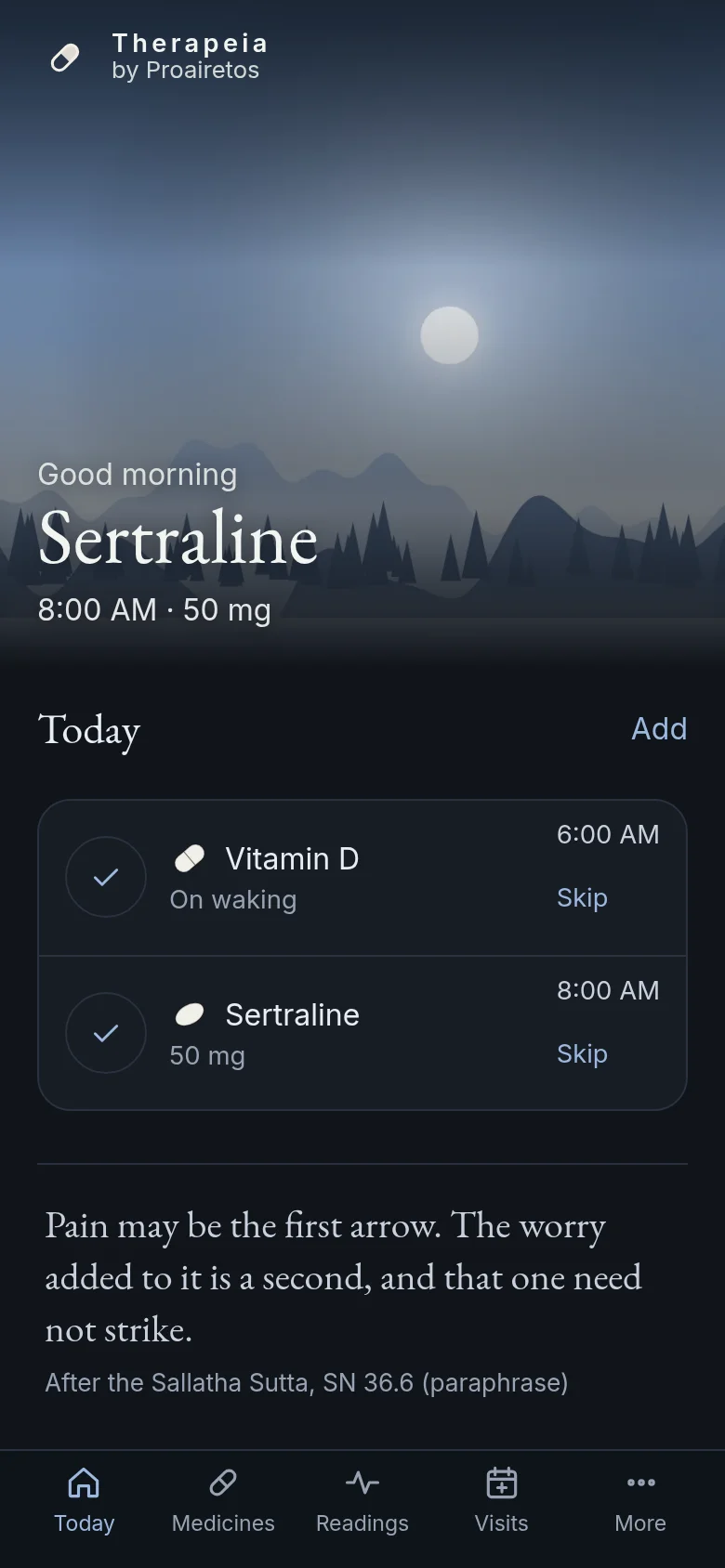
Medicines at the times you set or around your sleep, refills, and visits with your questions.
-
Dynamis
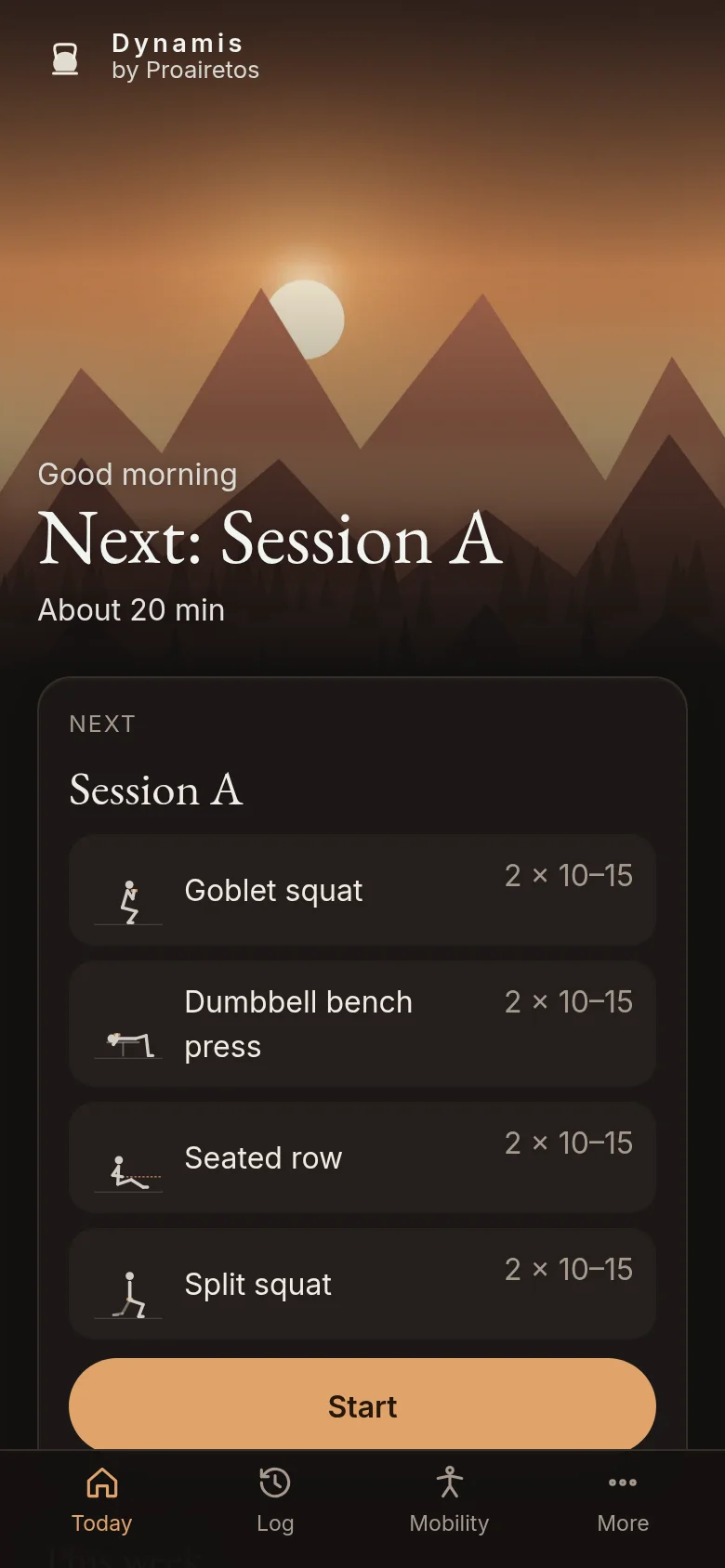
Strength and mobility sessions built from the research, with every set logged.
-
Ktema
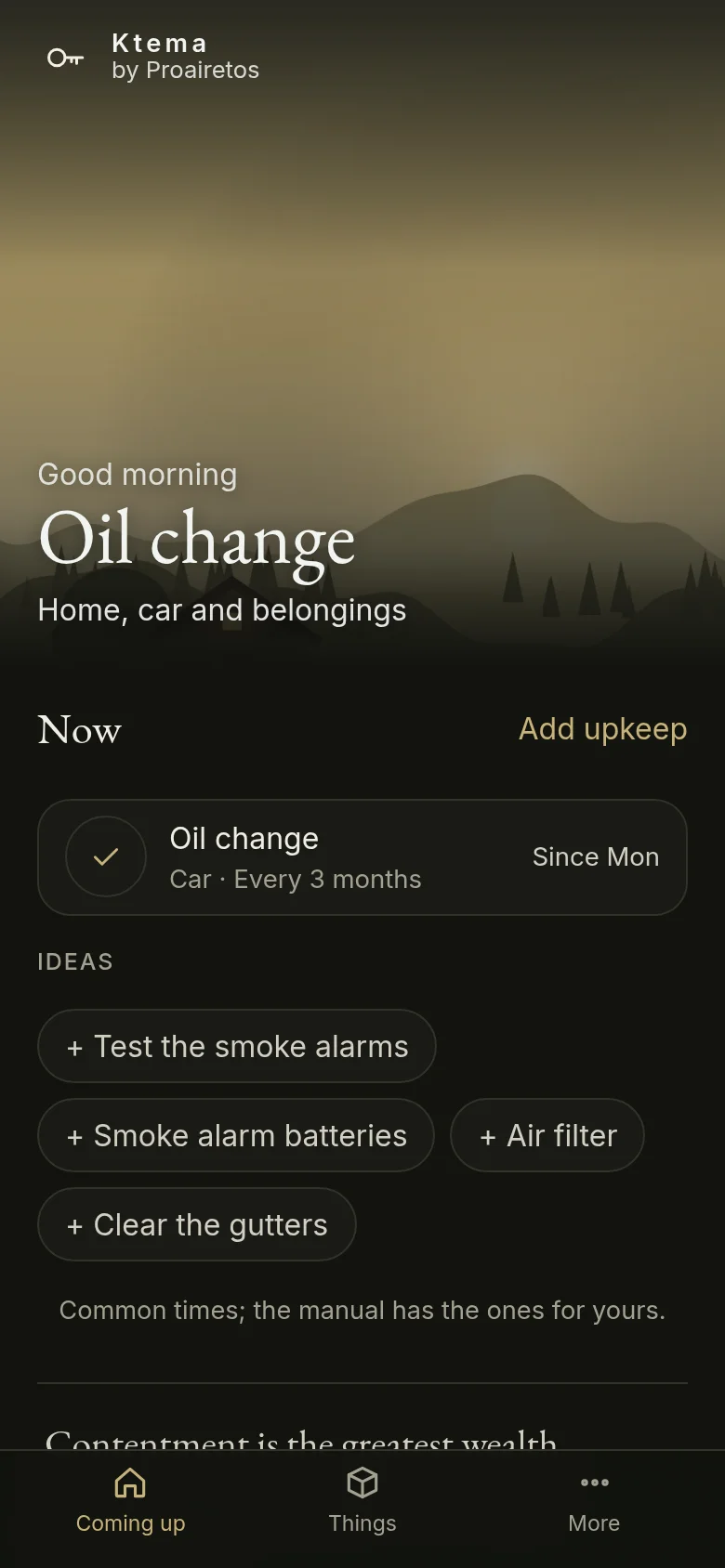
Warranties, models and manuals, and the upkeep your home and car need.
-
Phyton
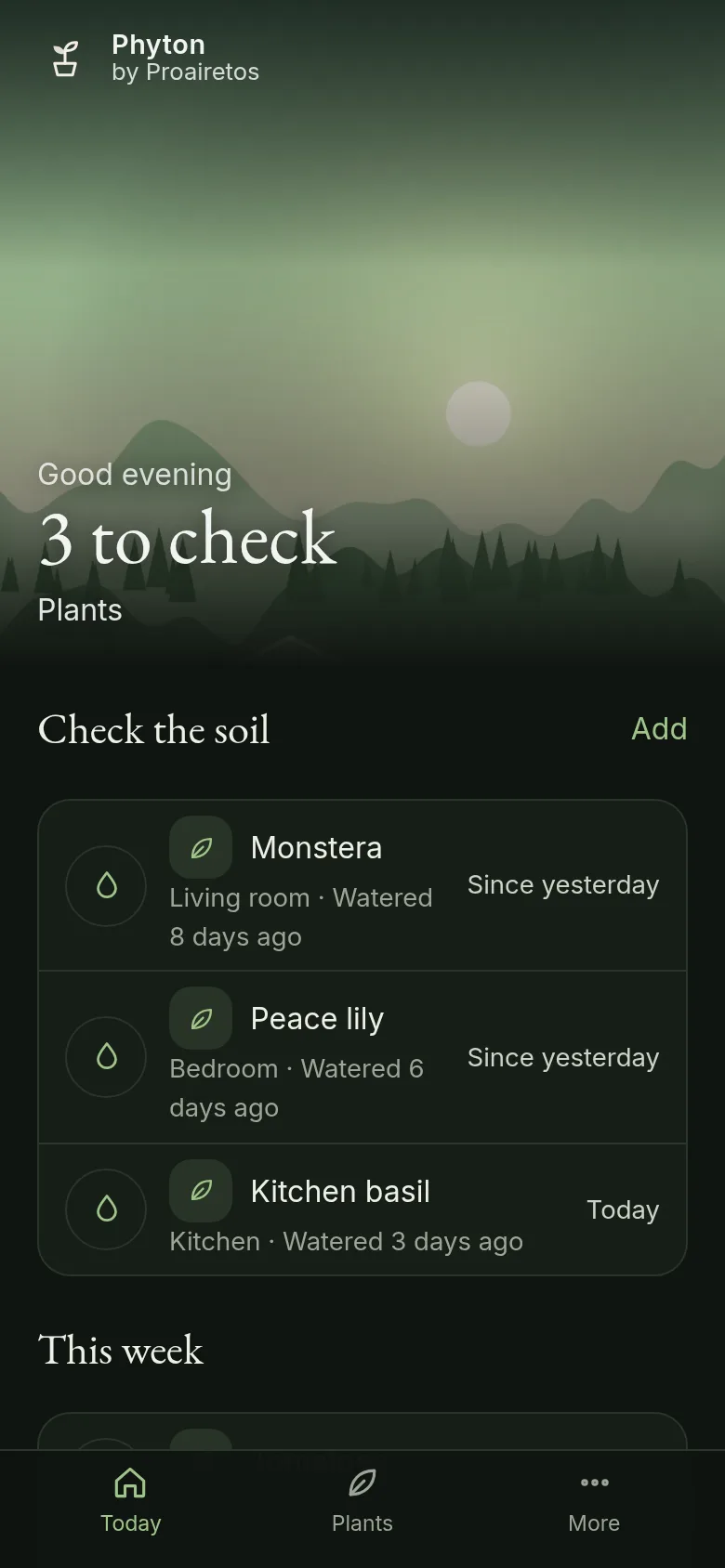
Your plants, each checked when its soil is likely dry. Identify a plant from a photo.
Add them to your Home Screen
iPhone and iPad (Safari)
- Open the app above in Safari.
- Tap the Share button, then Add to Home Screen, then Add.
- Open it from the Home Screen. Each app is added on its own, and each keeps its own storage, so sign in once in each one you use.
- For reminders, turn them on in Proairetos (Settings, Notifications). The other apps send theirs through it.
Android (Chrome)
- Open the app above in Chrome.
- Tap Install when it is offered, or the menu (⋮), then Install app or Add to Home screen.
- Long-press the icon for shortcuts, such as writing something down or logging a glass.
A computer (Chrome, Edge or Safari)
- Open the app above.
- In Chrome or Edge, choose the install icon in the address bar. In Safari on a Mac, choose File, then Add to Dock.
- Press Ctrl or ⌘ and K in Proairetos to go anywhere or write something down.
Privacy
On your phone
Everything works without an account and without a connection. Nothing is sent anywhere unless you turn on sync.
Encrypted if you sync
With sync on, your data is encrypted on your phone with a key only you hold. The server can’t read it.
No scores
No streaks, badges or rankings.